Clever is Faris Petrol's payment card and app. The bulk charging system tops up many Clever cards from one merchant account: a spreadsheet becomes a batch that is checked, approved and sent card by card, with live progress and a clear outcome for each card. I designed and built it on my own in 2022, test-first, as a full-stack developer at Faris Petrol.
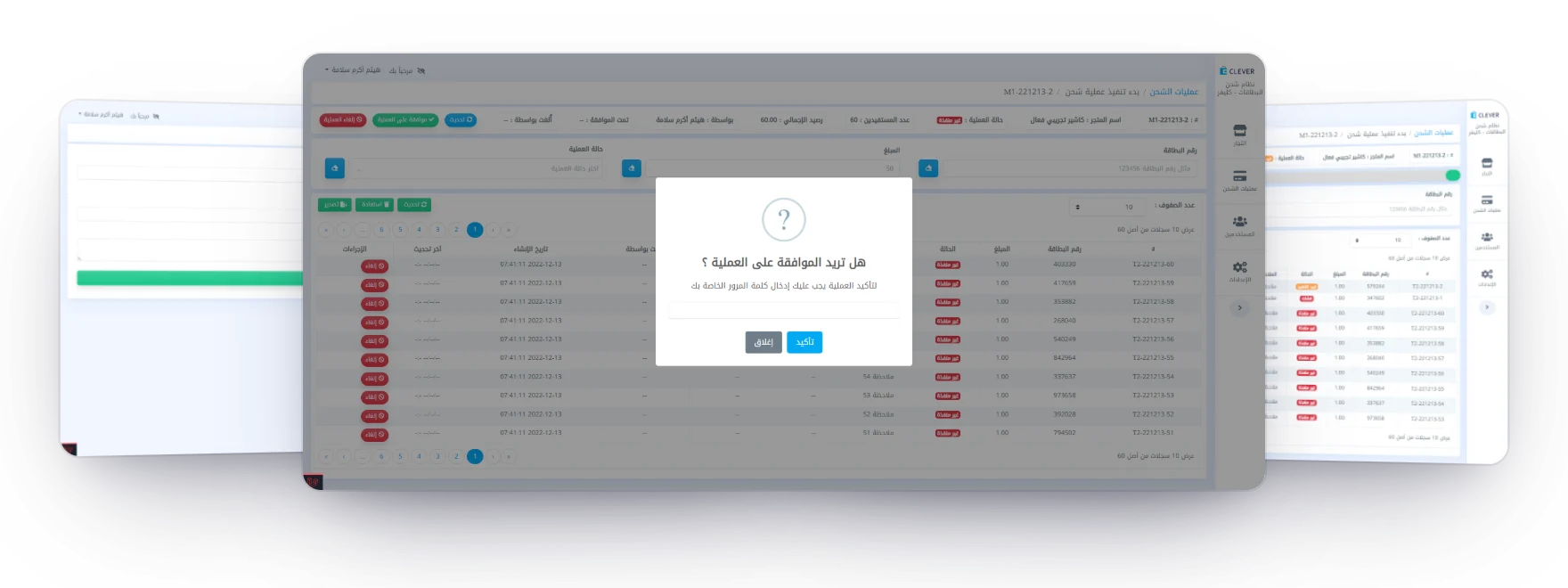
The new batch form, the approval that asks for the password, and a batch being sent card by card. Charging a list of cards is easy to start and hard to get exactly right.
Mistakes cost money. A wrong amount or a missing row goes straight onto someone's card.Not every answer is clear. With no reply from the platform, nobody knows if a card was charged.Long batches need watching. Operators must see progress, stop a batch, and keep a record.From a list of cards to a checked batch Without it cards and amounts card platform nobody checks that the totals add up nobody approves the list first no answer in time: was the card charged? send it again, and it may be charged twice With it upload + totals approve + password one job per card card platform every card ends with a clear status processed charged failed safe to send again stuck a person checks live progress, and a record for every card A list becomes a batch that is checked and approved first, and every card ends with a status you can trust. Checked and approved first. The file must match the typed totals, and an approver confirms with a password.Failed and stuck, kept apart. An error is safe to send again; no reply holds the card for a person.One job per card, live. Each card is its own queued job, and the page updates as each one is answered.Designed and built the system on my own: the back end, the dashboard, the queue and the live progress. Wrote the specification: the states of a batch and a card, and what each action may do in each. Built it test-first, with a test for every action and every way the platform can fail. Connected it to the Clever API; a merchant account signs in once, and its password is never stored. Set up roles, registered devices, and a password check to approve, send, cancel or close a batch. Everything the system does Set up Merchants their Clever accounts, signed in once Users and roles a permission for each action Registered devices only these can open the app Run a batch Upload a spreadsheet its totals must match what was typed Approval its own permission, and the password Cancel cards not yet sent never go out Close by hand with a note that stays with the batch Every card One job per card queued, and locked while it is sent Live progress every change reaches the page Three outcomes processed, failed or stuck Follow up Settle a stuck card by a person, with the password Resend failed cards nothing was charged, so it is safe Error log every failure, with the platform’s reply Excel export every card’s result in one file From setting up merchants to following up on every card, built around the three outcomes. Bulk charging at a glance Operator Approver Dashboard Live updates every change reaches the batch page the web app · registered devices only password re-entry on key steps batches and their cards Merchants Batches Cards in a batch Error log Excel export Users & roles Queue · one job per card, locked while it is sent Clever card platform one top-up per call, answered with an invoice or an error a merchant account signs in once; its password is never stored Database batches, cards, replies and errors One web app, a queue that sends each card on its own, and live updates back to the page. One web app, open only to registered devices, checks each spreadsheet and keeps the batches. An approved batch goes to a queue where every card is a job that calls the Clever API, and each answer is pushed back to the page.
The life of a batch Operator Uploaded Approved Sending Processed Partly processed approve send every card charged closed by hand, with a note totals must match the file a permission and a password one job per card, live progress cancel at any point Cancelled Partly cancelled nothing was sent the cards not yet sent never go out a stuck card must be settled before a batch closes or is cancelled results export to Excel A batch is sent only after it is approved, and it can be stopped at any point before the end. Uploading and approving are separate permissions. A merchant account has one open batch at a time, and closing a batch by hand needs a note.
Failed or stuck one job per card sent to the card platform cards wait their turn; one failure never stops the rest locked while it is sent, so it can’t go out twice what came back? an invoice no reply an error Processed the card was charged Stuck outcome unknown; held for a person Failed nothing was charged; safe to send again a person checks the card on the platform, then marks it processed or failed and confirms with a password a batch can’t be closed or cancelled while one of its cards is stuck An error and a silence lead to different places, because only an error proves nothing was charged. The system never sends a stuck card again by itself. A person checks it on the platform and settles it, and that rule is what keeps a card from being charged twice.
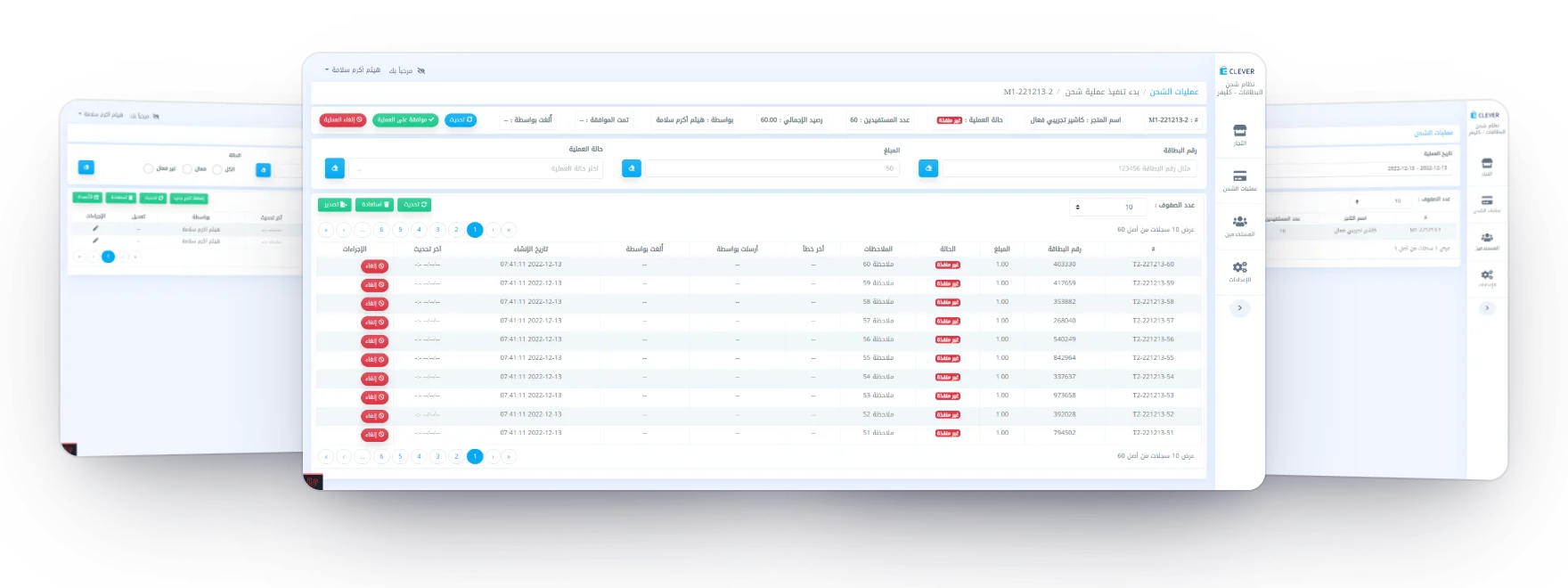
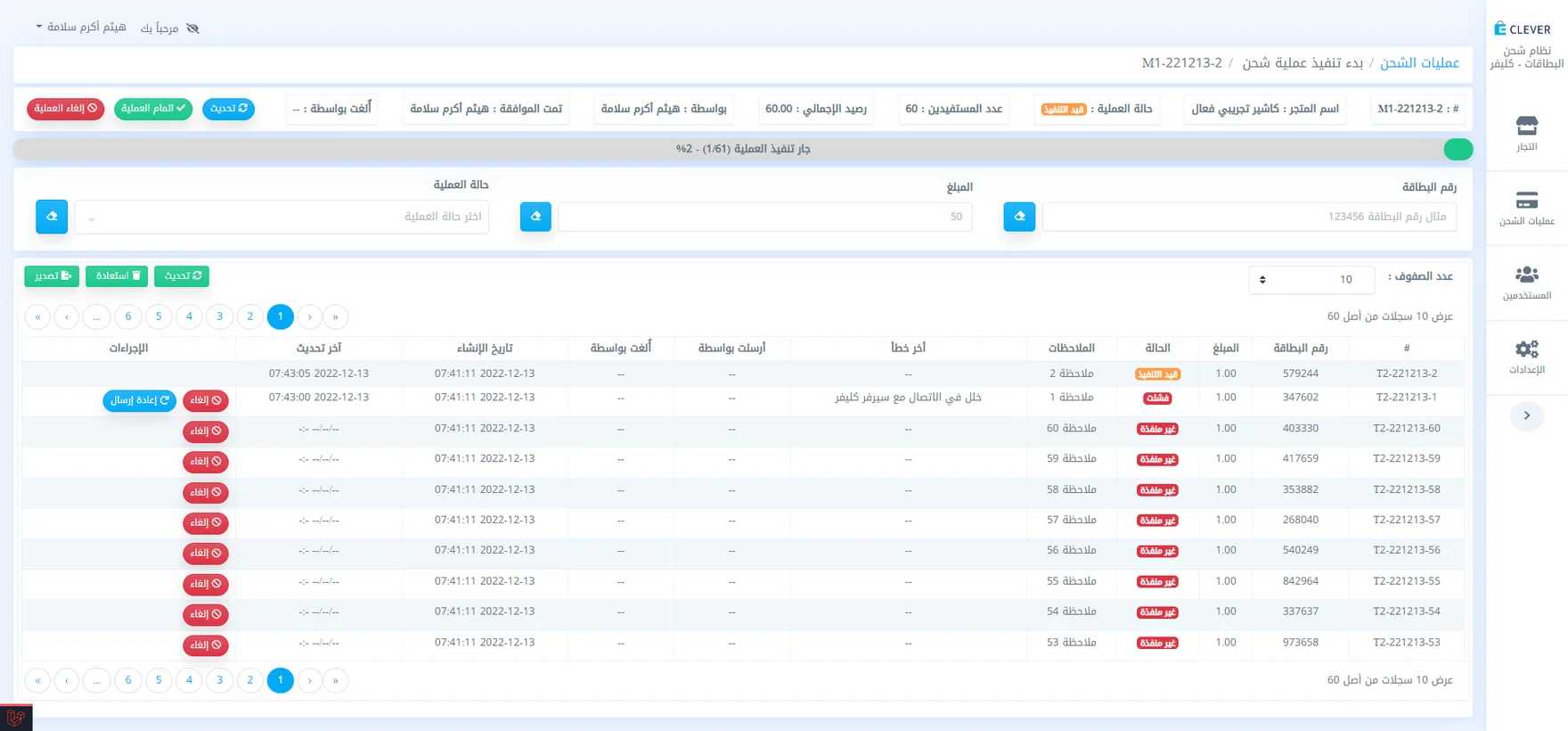
Merchant accounts, a batch’s cards waiting for approval, and the list of batches. A batch mid-run: one card in progress, one failed with a connection error and a resend button, the rest waiting.