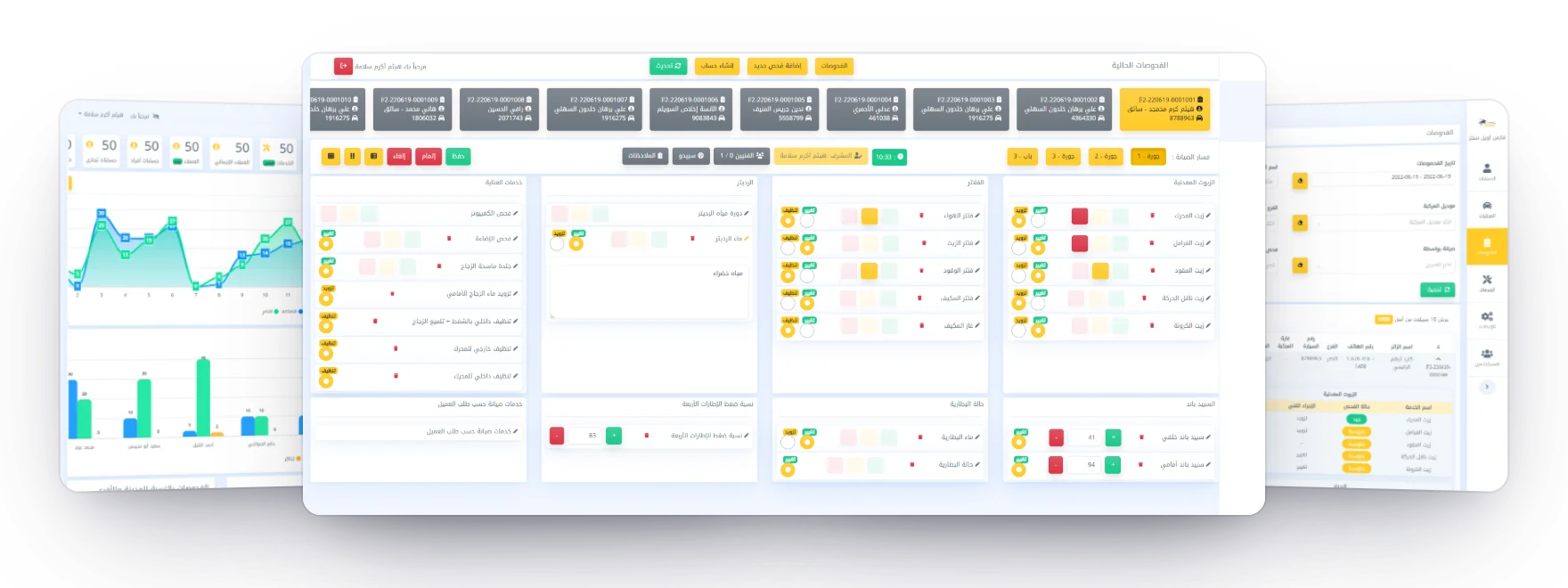
Faris Oil Center is Faris Petrol's chain of workshops for oil changes, filters and car checks, across several branches. Every car that comes in gets an inspection, and I designed and built the system each one runs through, from the bay app technicians use to the dashboards managers read.
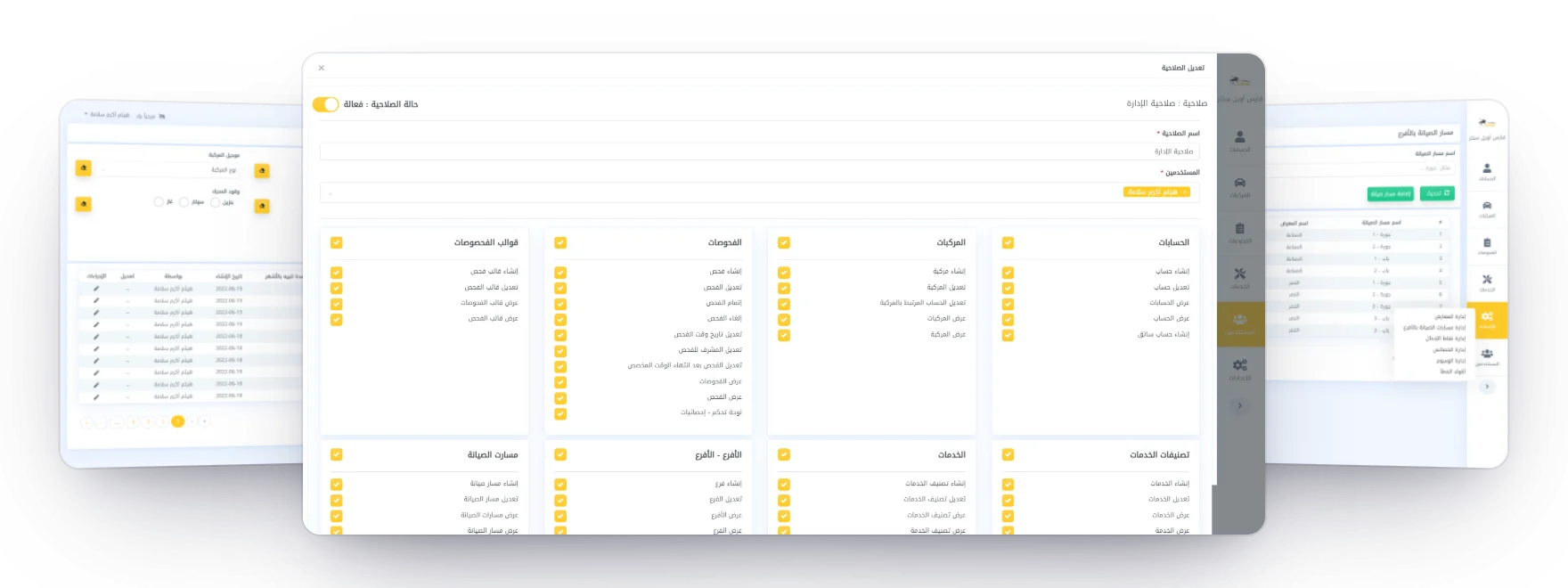
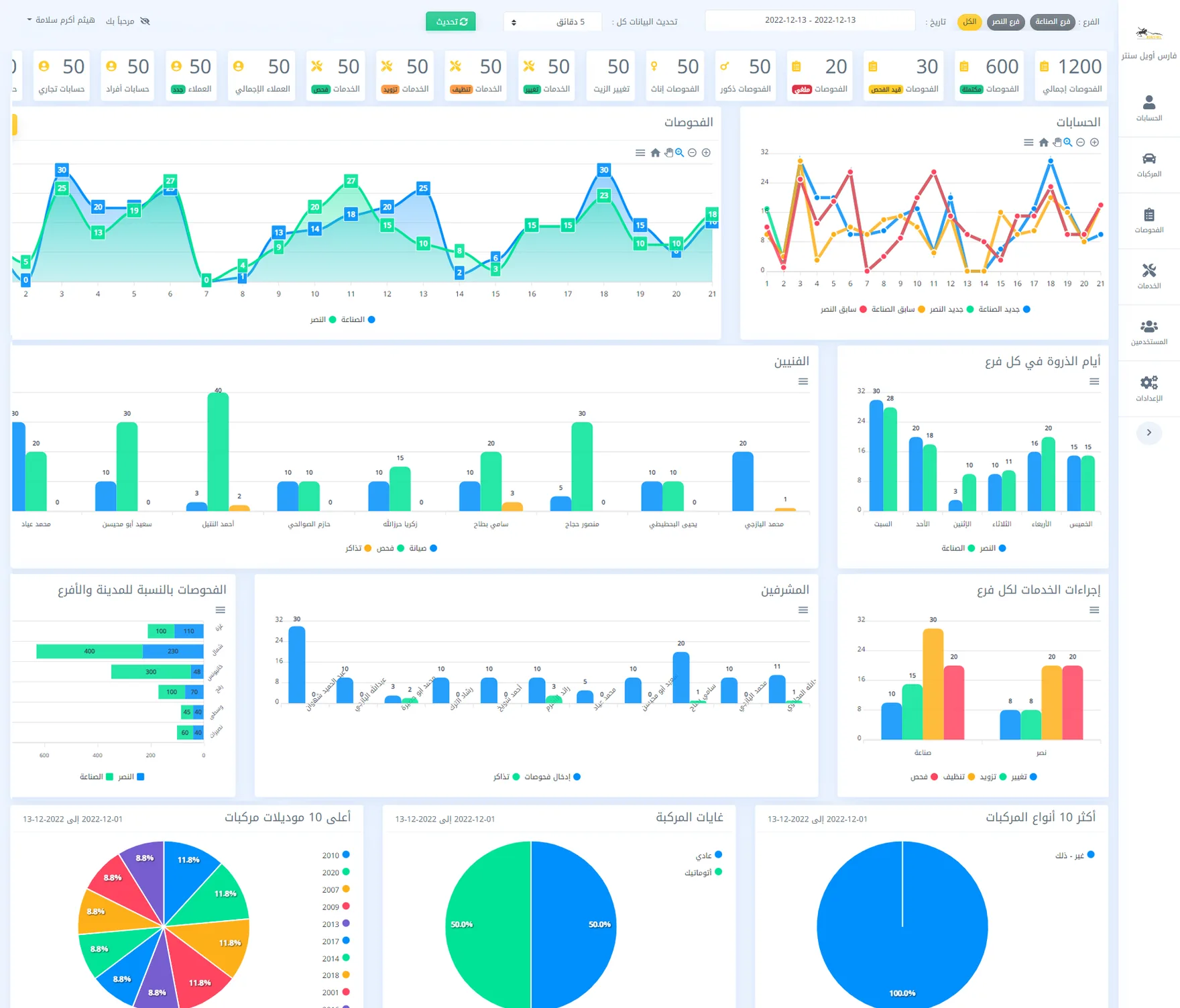
The bay app's checklist in front, with the dashboard and the checks list beside it. One visit, four tools. A paper form, a spreadsheet, an online form and a desktop database each kept part of a visit.A checklist that keeps changing. Each new or reordered service would have needed a developer.No view of the workshops. Managers couldn't see checks, services or technicians by branch.From a paper form to one system Before paper form filled in by hand spreadsheet name, phone, car, date online form checks, not who did them desktop database the records so far each kept part of a visit, none kept the whole of it Now Technician Supervisor bay app, code sign-in one record per visit dashboards per branch a check closes only when it is complete the workshop edits the checklist itself only registered devices can reach it Four tools that each kept part of a visit became one record per visit, filled in at the bay. One record per visit, with the car, the customer and everyone who worked on it.A checklist the workshop edits itself, built from its services, with no release needed.A dashboard for every branch, refreshing on its own.Designed and built the back end, the dashboard and the bay app. The team helped early on with data models, demo data and tests. Wrote the specification with the workshop: what a visit holds, and the rules for starting, completing and cancelling a check. Designed the checklist and the life of a check, with a clear message for every refusal. Built the dashboards and the report on customers who stopped coming. Maintained and extended the system until I left the company. Everything in the system At the bay sign in with a personal code find a car by plate, phone or name start, save and complete a check one open check per car cancel only with a reason Records personal and business accounts drivers under each account cars and their history every check, with who did the work Set-up services and their categories checklist templates branches and their bays registered devices car properties and tags Access users for every branch roles and permissions sessions that can be revoked edits after a check, by permission Dashboards live counters by status and action checks per branch and day filters by branch and date refresh on their own Reports technicians and supervisors peak days in each branch car types and models customers who stopped coming Six areas, from the bay to the reports. Roles and permissions in front, with the cars and the bays in each branch beside it. The workshop system at a glance Technicians Bay app sign-in by code start, fill in and complete a check the back end · one API for both apps answers registered devices only the workshop’s records Accounts & drivers Cars Checks Services Branches & bays Users & roles checklist built from services every refusal has a code Supervisors Dashboard sign-in with password customers, cars, services and users; dashboards by branch and technician; the churn report Database every visit with its answers, by car and customer Two apps, one back end, and only the company's registered devices can reach it. One back end serves both apps. Each registered device belongs to a branch, so every check knows where it was done without anyone choosing it.
A checklist defined by its services Supervisor a service: engine oil condition good, fair, bad or a % action change, clean or top up note free text the template Oils Filters Radiator Battery Care services reorder or switch off services at any time Technician the bay app builds the form answers kept as entered reports count every action a new service is set up in the dashboard, not in a release A new service is a setting in the dashboard, and the bay app's form follows it. The life of a check Technician Find the car In progress Completed start complete save, as often as needed editable for a short window, then only with a special permission by plate, phone or name branch from the device, one open check per car needs a bay, technicians, a service and the odometer Cancelled with a reason, and never edited again every refusal comes with a code and a message in Arabic A check can't be completed until it is whole, so the record a manager reads is the one the technician finished. Checks, services, technicians, supervisors and peak days, by branch and date.